How to catalog a CD collection and choose the right release
Catalog your CD collection with a practical barcode-and-edition checklist. Compare labels, catalog numbers, disc counts and packaging before saving.
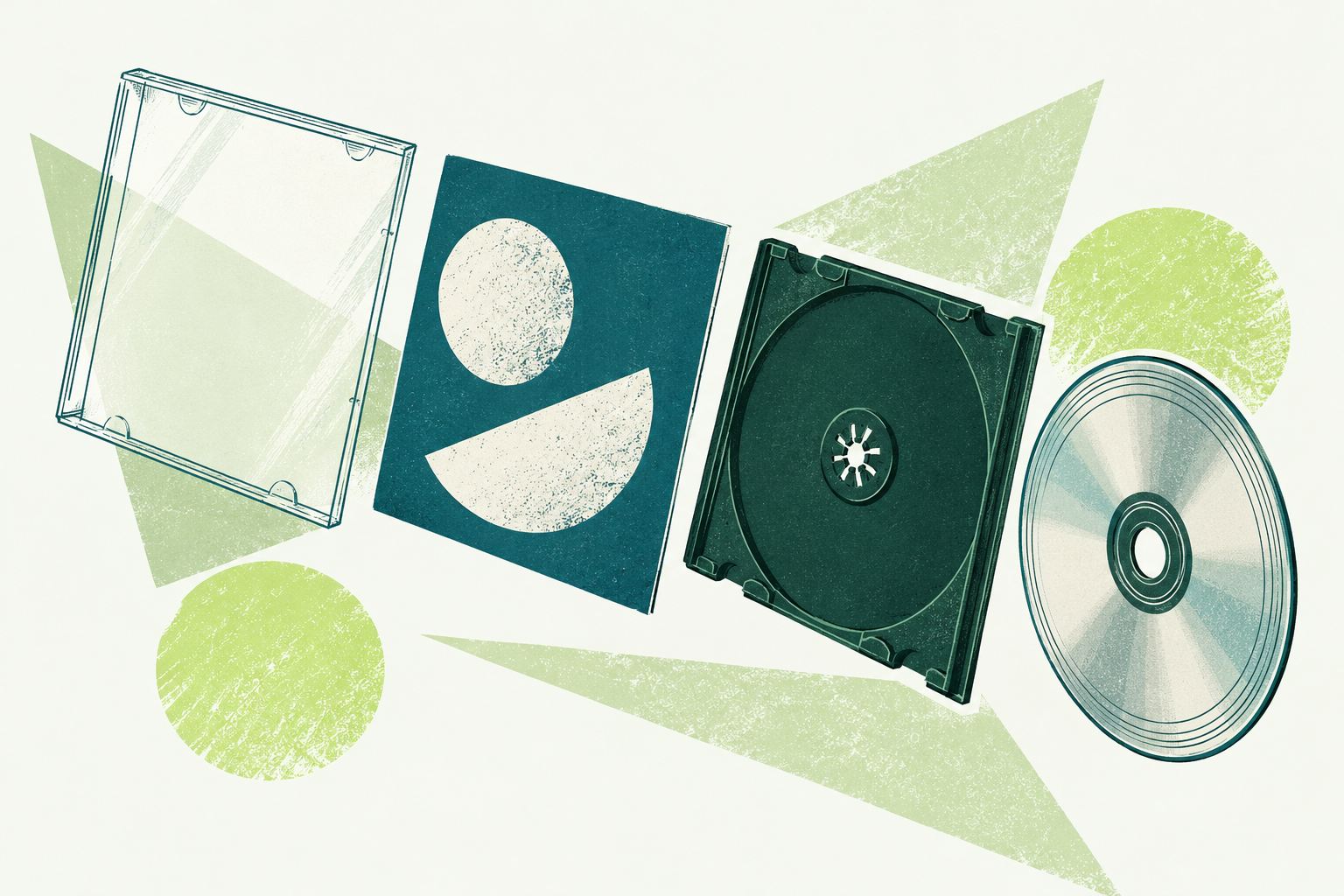
To catalog a CD collection, identify the album, look up the barcode, and compare the offered releases with the actual disc and packaging before saving. Record the edition you own, then its quantity and useful personal labels. This extra comparison prevents a catalog full of correct album titles attached to the wrong editions.
Separate an album from a release
An album is the musical title you recognize. A release is a particular issued version: a standard CD, a deluxe set or a different regional edition, for example. MusicBrainz explains this distinction in its release-group documentation and release documentation.
For a fictional example, imagine owning a one-disc version of an album and a two-disc reissue with extra material. They should be distinguishable in your catalog. If you own two copies of the same cataloged release, quantity describes the copies; it does not turn them into two different editions.
Start with a batch you can compare carefully
Choose a small stack and keep each disc with its booklet and case. Check that the disc inside belongs to that package before recording anything. Used CDs sometimes arrive in replacement cases, and a missing booklet makes edition checking less straightforward.
Pick a physical filing rule, such as artist followed by album title, so that you can put the batch back consistently. Use your digital catalog to answer ownership questions and your shelf order to find the physical copy.
Compare these clues after a barcode lookup
- Artist and album: confirm the basic match first.
- Format and disc count: distinguish a single CD from a multi-disc set or another medium.
- Label and catalog number: inspect the spine, back cover and disc printing.
- Country and release date: use available evidence; do not treat the album’s original year as the date of every reissue.
- Edition wording and packaging: compare deluxe, remastered or other printed descriptions with the offered record.
A barcode narrows the candidates, but it should not end the comparison. Several plausible records may remain. If the results lack enough detail, consult the provider’s release page and the physical package before making a choice.
Know what packaging can and cannot tell you
A Jewel Case and a Digipak are useful clues, but a replacement case does not by itself prove a different release. Compare the printed materials and disc as well. Our illustrated CD packaging guide: Jewel Case, Digipak and sleeves helps you name the outer packaging consistently.
If two candidates still look identical, matrix or hub markings can provide additional evidence. Discogs documents where these appear in its barcode and identifier guidelines. Check them against an external release reference; do not assume ShelfAtlas has a dedicated field or automatic matcher for every manufacturing mark.
Add the checked release to ShelfAtlas
In a CDs collection, scan or enter the barcode, review the available release choices, and select the edition that agrees with your copy before completing Add. ShelfAtlas uses MusicBrainz for external music metadata. Availability depends on the provider’s records, so the lookup is not a guarantee that every pressing will appear.
When lookup cannot supply a suitable result, use the supported manual-entry workflow with details you can verify. The current music Add flow requires a barcode; do not invent a number for a disc with no barcode. Keep unresolved identification separate until you can use a suitable cataloging method.
For an already-owned item with the wrong edition, the Change release workflow lets you review a replacement before saving it. Check your copies, collection assignment and private tags afterward. Add labels such as “Sunday listening” only when they will help you use the collection.
Make the catalog part of buying and listening
After finishing the batch, search for an artist and confirm that each release is recognizable. Then use the same check before buying another copy. See our duplicate-purchase checklist for a quick shop routine.
Create a ShelfAtlas account to start a CD catalog, or sign in to organize the CDs you already own. Begin with one collection and check its allowance before taking on your entire music shelf.