CDs: What case?
Jewel Case, Digipak or a cardboard sleeve? Learn what to look for, compare photographic examples, and choose the packaging that matches your CD release in ShelfAtlas.
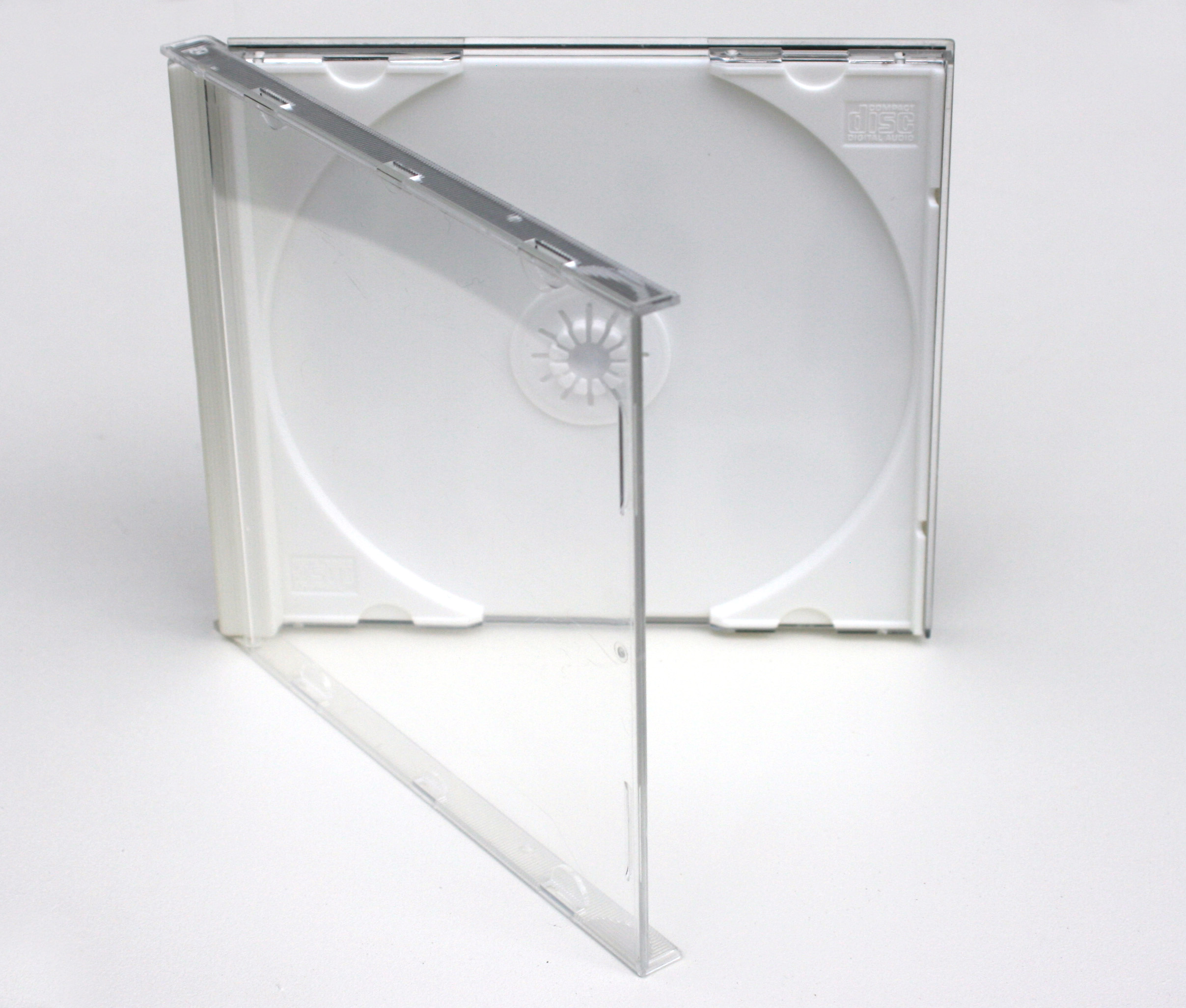
The Packaging field describes how a release is packaged. It does not describe the music, the disc format, or the condition of your copy. Open the case and look at the material, the disc holder, and any outer box before choosing a value.
ShelfAtlas uses the names in the MusicBrainz packaging documentation. Keep that illustrated reference nearby when an unfamiliar name appears. The English labels below are the exact labels in the app.
Start with the outside
MusicBrainz records the outermost release packaging, excluding disposable wrapping and shipping materials. A set of jewel cases sold inside a presentation box is Box. A jewel case inside an open-ended outer sleeve is Slipcase. Shrink-wrap and a delivery carton do not change the choice. See the release packaging guideline.
The familiar plastic cases
Jewel Case
The familiar rigid CD case with a hinged clear lid and a disc tray. A booklet normally sits inside the lid. Choose this for a conventional case even if the tray is clear rather than black. Photo example. Standard and slim case reference.
Slim Jewel Case
A thinner version of the familiar case, often seen with singles. Check its depth rather than assuming that every plastic case is standard. Definition and photo.
Super Jewel Box
Look for rounded corners and a latch-style closure. Its name identifies a particular case design, not just a jewel case in good condition. Identify the packaging visually; an SACD label alone is not enough. Definition and photos.
Fatbox
The noticeably thick, double-width member of the jewel-case family. Disc count alone is not the test: a two-disc release can also have a normal-width case. Choose by the actual construction. Photo example. Jewel-case variations.
Cardboard: look for the tray
Digipak
Printed folding board with a plastic disc tray attached inside. The disc clips onto a hub. That attached tray is the useful clue when distinguishing it from an all-cardboard wallet. Definition and photos. Manufacturer comparison with tray-less wallets.
Gatefold Cover
A folded sleeve, also called a digisleeve in the MusicBrainz reference. The disc goes into a sleeve or pocket rather than a glued plastic tray. Do not select Digipak simply because the package opens like a book. Photo example. See folding wallet examples.
Digifile
Another folding cardboard design, identified in the MusicBrainz list by a small disc pocket. Names used by shops can overlap with wallet or digisleeve terminology. Compare the construction with the reference photograph rather than relying on the seller's shorthand. Photo example. MusicBrainz classification.
Cardboard/Paper Sleeve
A simple sleeve or jacket holding the disc, rather than a rigid case with a tray. A paper sleeve with a transparent window still belongs here. Photo example. Jacket, wallet and Digipak comparison.
Plastic Sleeve
A flexible sleeve made of plastic. Compare the material with a paper sleeve that merely has a clear window. Reference description.
Outer packaging and larger cases
Slipcase
An outer sleeve around a separate inner package. Remove it and you will find another case or package inside. Record the outer sleeve, not only the inner case. Reference description.
Box
A presentation box containing the release and possibly separate cases or extras. The number of discs is a separate field. Photo example. Examples of multi-disc packaging.
Keep Case
The familiar DVD-style plastic case. It can house a CD too: select the case design, not the disc format you associate with it. Photo example. Manufacturer's DVD-case description.
The less common options
These labels are also available in ShelfAtlas. Consult the full MusicBrainz list for the classification and its available images.
- Book: book containing a disc sleeve. Photo.
- Digibook: bound booklet incorporating disc storage.
- Clamshell Case: small hinged plastic shell.
- Discbox Slider: flap-operated sliding disc holder.
- Slidepack: open-ended carton with sliding tray. Photo.
- Snap Case: cardboard-and-plastic case with snap closure. Photo of a DVD-sized example.
- SnapPack: distinctive packaging for 8 cm singles. Photo.
- Longbox: elongated retail cardboard box.
- Metal Tin: metal container.
- Cassette Case: cassette-style case. Photo. Its presence in the shared list does not make a cassette a CD.
Not sure? Leave it unspecified
Not specified means you have not identified the packaging. Other means you know the packaging but none of the named types fits. None means there is no packaging; it is not a substitute for unknown. Custom packaging lets you enter a more specific nonstandard description. You can leave the field unspecified while you check.
A quick check before saving
- Inspect the whole package, including any outer sleeve or box.
- Open it: does the disc clip into plastic or slide into board?
- Compare a photo of the construction, not just the front artwork.
- Use the exact Packaging label that fits your release.
- If lookup filled a value, check it against your copy before accepting it. Packaging can differ between editions of the same album.
The goal is a useful record of your release, not a guess. A familiar album title or barcode does not replace looking at the package.
Sources and photo credit
This guide follows MusicBrainz's packaging list and outermost-packaging rule, with construction examples from Disc Makers jackets, wallets, multi-disc packages, and optical disc packaging. Example links open reference photographs; some specialist types have a description but no photograph in the MusicBrainz list.
Cover: Jewel Case 02 by Ramón Vasconcellos (Itsramon), Wikimedia Commons, CC BY 2.5. Original image reproduced without modification. Photo-example links retain their source pages and credits.